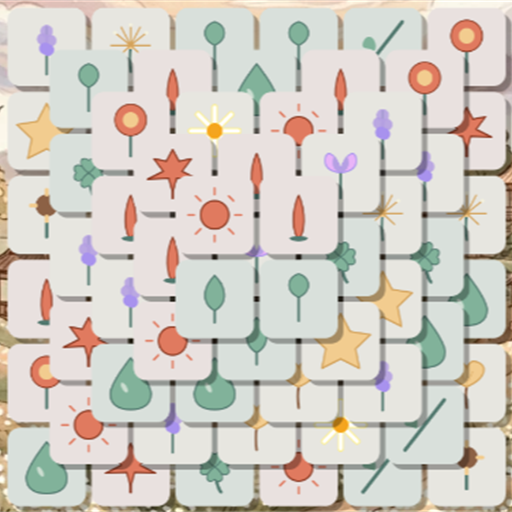
Mindful Wallpaper Sanctuary, Quiet Journal Achievements & Keepsake Postcards
Unlike conventional puzzle games where achievements are mere numbers on a scoreboard, Triple Match Relaxed transforms your progress into tangible artistic keepsakes. Discover how our Quiet Journal (Lưu Bút Tĩnh Lặng), Wax-Sealed Postcards, and Mindful Wallpaper Studio bring serenity from the game board directly onto your phone and desktop screens.
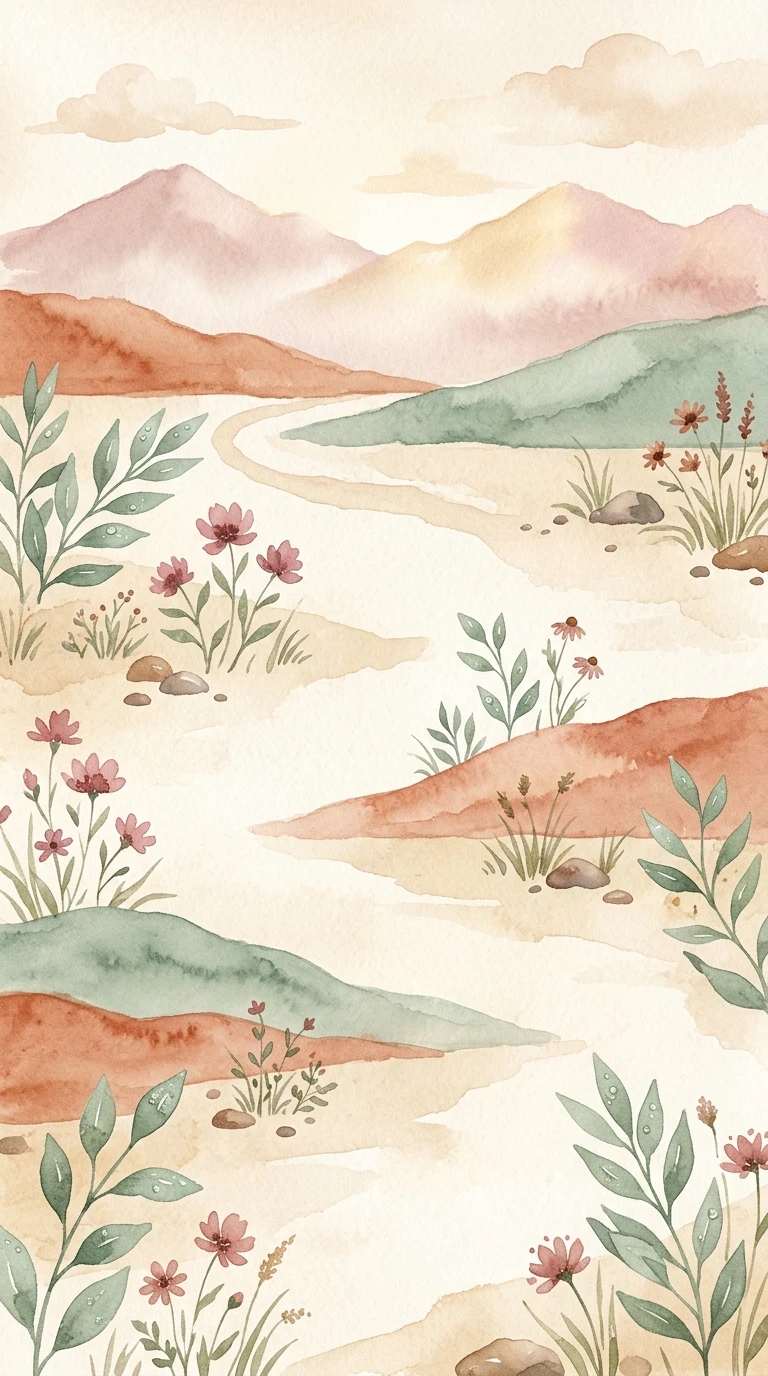
1. The "Quiet Journal" Hybrid Achievement System (Lưu Bút Tĩnh Lặng)
Traditional gaming achievements often feel like a stressful checklist of chores. In Triple Match Relaxed, we redesigned milestones into a personal Quiet Journal—a collection of hand-drawn watercolor keepsakes that celebrate mindful moments rather than frantic grinding.
A. Frictionless Offline-First & Silent Cloud Sync Architecture
- Zero Forced Login Pop-ups: When you launch Triple Match Relaxed, you never face an intrusive sign-in wall. Every milestone you achieve is immediately recorded in your device's persistent local storage.
- Silent Background Cloud Sync: On Android and iOS, our HybridAchievementService silently connects with Google Play Games Services and Apple Game Center in the background. When you come online, your locally unlocked milestones automatically synchronize to your cloud profile alongside a cozy hand-drawn in-game toast.
B. Four Tiers of Hand-Drawn Watercolor Badges
Every achievement badge is crafted like a textured cotton-paper medallion using our signature pastel palette—Terracotta (`#d97706`), Sage Green (`#aec3ae`), Dusty Rose (`#f472b6`), and Warm Ochre (`#fef3c7`). As you progress, badges transition smoothly across three visual states:
- Locked State (Pencil Sketch): Veiled in soft morning mist, showing only a delicate graphite outline to spark curiosity.
- Progressing State (Budding Lotus): Soft watercolor hues begin to emerge at 35% saturation, accompanied by a small lotus bud at the base that gradually opens as your percentage increases.
- Unlocked State (Full Bloom & Golden Aura): The watercolor illustration blossoms into full warmth with an organic golden glow.
| Progression Tier | Level Range | Artistic Motif & Symbolism |
|---|---|---|
| Tier 1: Mindful Novice | Levels 1 – 20 | "Sprouting Bud" — Young green tea leaves, morning dew on wild chamomile, and single-stroke sage leaves. |
| Tier 2: Garden Companion | Levels 21 – 80 | "Wildflower Sanctuary" — Blooming daisies, smooth river pebbles beside a brook, and oiled-paper umbrellas in spring rain. |
| Tier 3: Silent Traveler | Levels 81 – 250 | "Deep Mountain Mist" — Drifting autumn maple leaves, dry pinecones on warm sand, and glowing evening fireflies. |
| Tier 4: Zen Grandmaster | Expert Mastery | "Oak Crown & The Great Bodhi Tree" — Radiant pink lotus on still water and the Great Bodhi Tree showering warm golden light. |
2. Interactive One-Sided Keepsake Postcards & 3D Wax Seals
Tapping any unlocked badge inside the Quiet Journal opens the Achievement Postcard Modal—a tactile, single-sided woven-paper postcard (`#fdfbf7`) designed for reflection and sharing:
- Perforated Wooden Postage Stamp: Each card bears a serrated postage stamp in the upper right corner embossed with a subtle postmark: "Puzzle Relaxed • Mindful Post".
- Localized Mindful Inscriptions (18 Languages): Beneath the watercolor canvas sits a poetic reflection written in a gentle calligraphic style, distinct from the mechanical unlock requirement.
- Interactive 3D Wax Seal Transition: When an achievement is newly unlocked, a breathing oak button invites you to claim your gift of Golden Wooden Stars (⭐). Once claimed, the button transforms into a 3D Embossed Leaf Wax Seal stamped with the exact date you achieved the milestone.
3. The Mindful Wallpaper Sanctuary & Customizer Studio (Bộ Sưu Tập Hình Nền Bình Yên)
Most people unlock their smartphone between 80 and 120 times a day. The Mindful Wallpaper Sanctuary (unlocked starting at Level 4 from the Home header) lets you bring the tranquil watercolor worlds of Triple Match Relaxed directly onto your phone's Lock Screen, Home Screen, or desktop monitor. Every time you complete 100% of a Theme Chapter, its high-resolution master artwork is permanently unlocked in your Sanctuary.
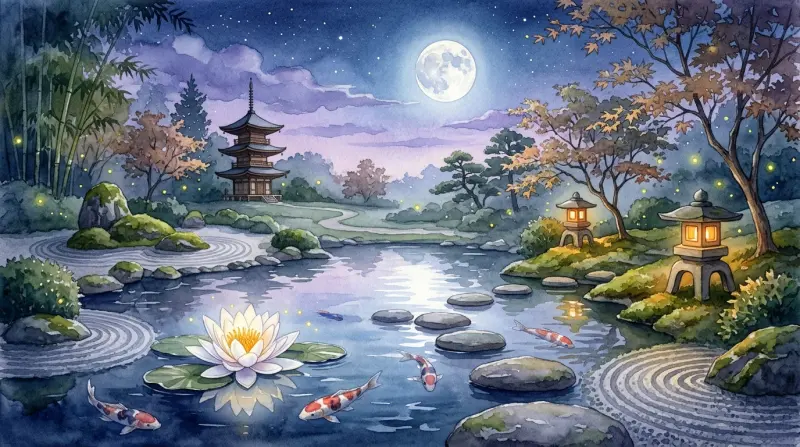
A. Three Artistic Style Modes in the Canvas Studio
Before saving or applying a wallpaper, you can personalize its layout in real time using our built-in HTML5 Canvas Studio:
🎨 1. Pure Minimalist (Tranh Thuần Khiết)
Preserves the unadorned watercolor landscape with maximum breathing room so your phone's app icons and clock widgets remain crystal clear.
📅 2. Mindful Monthly Calendar (Lịch Tĩnh Tâm)
Automatically generates a delicate monthly calendar grid for the current month, highlights today's date, and formats the month header and soothing footer note across all 18 supported languages.
✍️ 3. Mindful Inscription (Lời Chúc An Yên)
Overlays a contemplative slow-living quote onto the artwork, complete with a Quote Shuffler (`🔀`) button so you can cycle through inspiring messages until you find one that resonates with your day.
B. Three Atmosphere Lighting Filters & Lock Screen Simulator
- ☀️ Morning Breeze (Ban Mai): Crisp, natural daylight clarity that highlights pastel botanical brushstrokes.
- 🌇 Golden Sunset (Hoàng Hôn): Warm amber and terracotta tones that evoke late-afternoon calm.
- 🌙 Moonlit Zen (Đêm Yên): Deep indigo night-mode tinting designed to protect your eyes from blue light in dark rooms.
- 📱 Interactive Lock Screen Preview Toggle: Switch on the built-in Lock Screen Simulator (`09:41` clock, localized date, and padlock icon) directly inside the Studio to preview exactly how the calendar or quote aligns beneath your phone's system clock.
C. Adaptive Device Sizing Technology (Crisp Retina Resolution)
Modern smartphones feature diverse aspect ratios (`19.5:9`, `20:9`, foldable displays). If a game exports a fixed `1080×1920` (`9:16`) image, your phone's operating system crops the edges. Our Adaptive Device Sizing Engine automatically detects your device's exact physical screen dimensions and Device Pixel Ratio (`screenW × dpr` by `screenH × dpr`, up to `2160×4320` Ultra-HD on mobile and `1080×1920` on desktop), rendering the watercolor background, calendar card, and dynamic capsule signature at native pixel-perfect sharpness with zero cropping.
4. How to Download, Set Wallpaper & Earn Up to +65 Golden Stars Daily
We designed saving and sharing your keepsakes to be effortless across Web, Android, and iOS—while rewarding you with generous Golden Stars through our 4-Moment Share Economy:
- 1-Tap Direct Wallpaper Setup (Android Native): On Android devices, tap [📱 Set Wallpaper] right inside the Sanctuary Studio to apply your customized artwork directly to your Home Screen, Lock Screen, or Both Screens simultaneously via our native
WallpaperPlugin—without ever leaving the game. - Instant High-Resolution Download (Web, iOS & Android): Tap [Save to Photos / Download] to export a lossless PNG directly to your phone's Photo Gallery or computer's Downloads folder.
- WYSIWYS Snapshot Sharing (1080×1080 Postcards & Wallpapers): Tapping [Share 💌] renders a high-resolution artwork or square keepsake postcard complete with a rounded artistic QR code, opening your device's native Share Sheet (or downloading + copying the link on Desktop Web).
Every day (resetting at 00:00 local time), you can earn bonus Golden Wooden Stars across five independent sharing categories defined in our
ShareEconomyService:
- Campaign Level Victory Share (Level > 10): Earn +15 ⭐ (1x/day)
- Silent Journey (Endless Stage) Victory Share: Earn +15 ⭐ (1x/day)
- Quiet Journal Achievement Postcard Share: Earn +15 ⭐ (1x/day)
- Mindful Wallpaper Sanctuary Custom Artwork Share: Earn +20 ⭐ (1x/day)
- New Seasonal Theme 100% Unlock Share: Earn +20 ⭐ (1x/day — bringing your daily total up to +85 ⭐ whenever you complete a new seasonal theme!)